Carmy Studio — Component 03

asciii

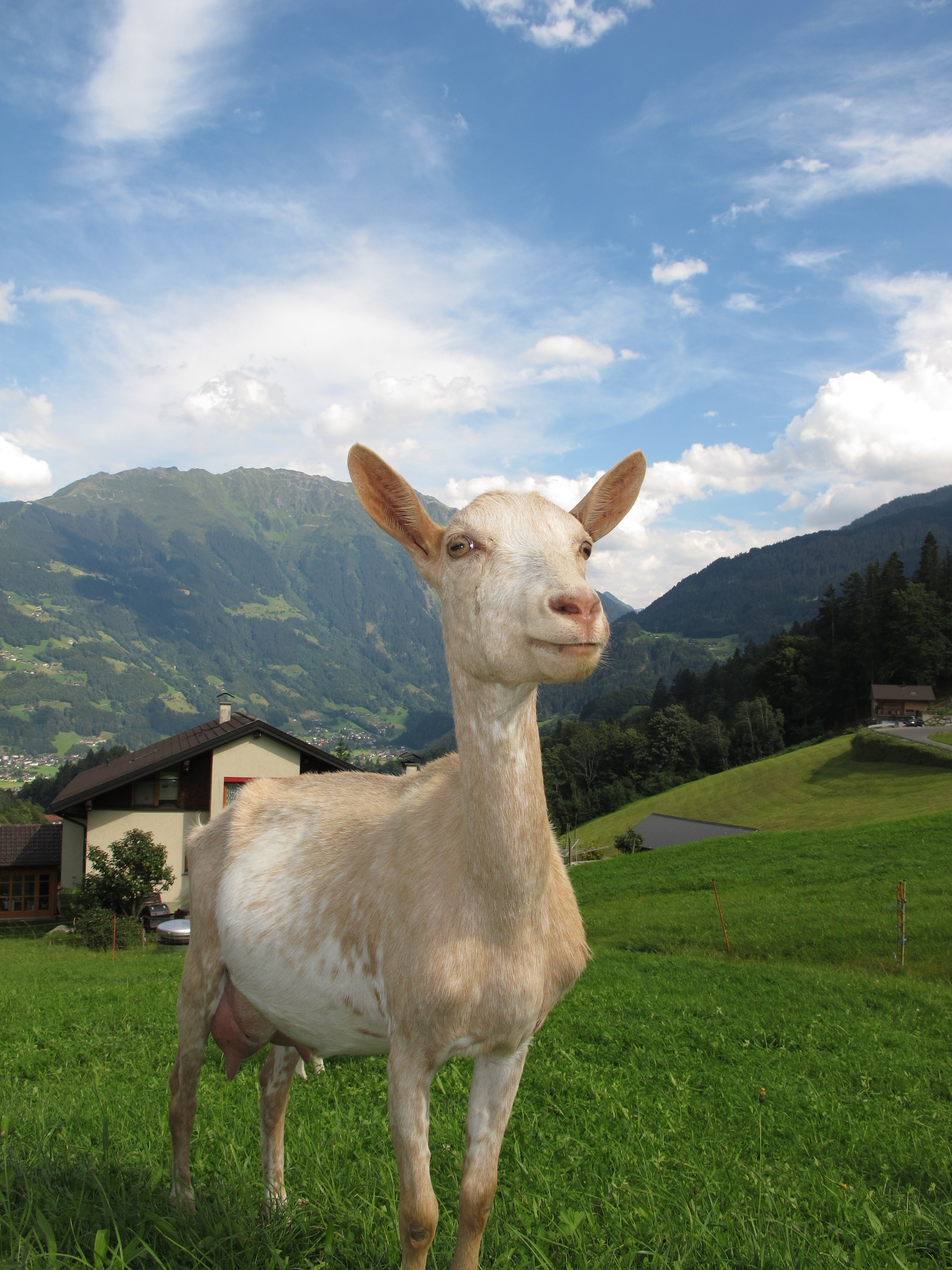
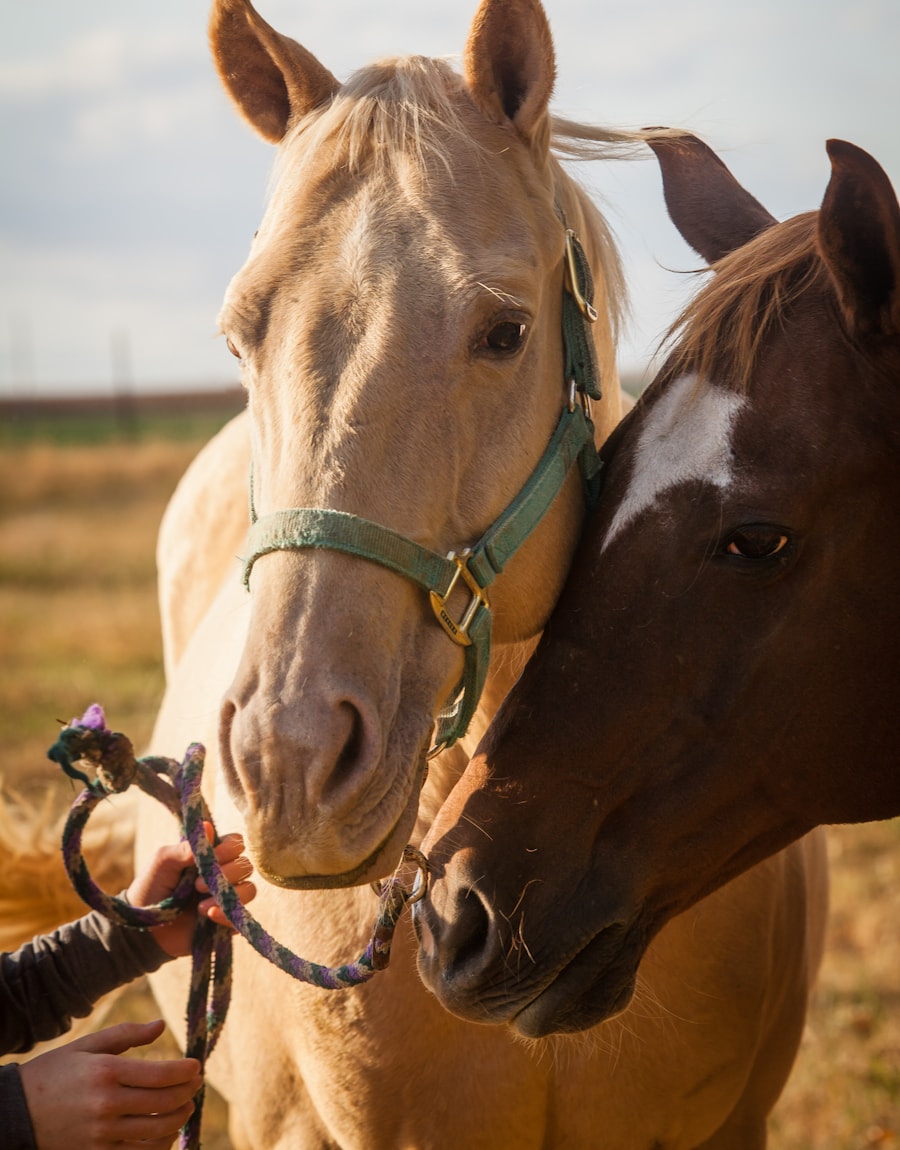
Hover a card and its live ASCII develops into the real photo — a 3D tilt to your cursor and a whisper of iridescent foil.

Hover a card ↗
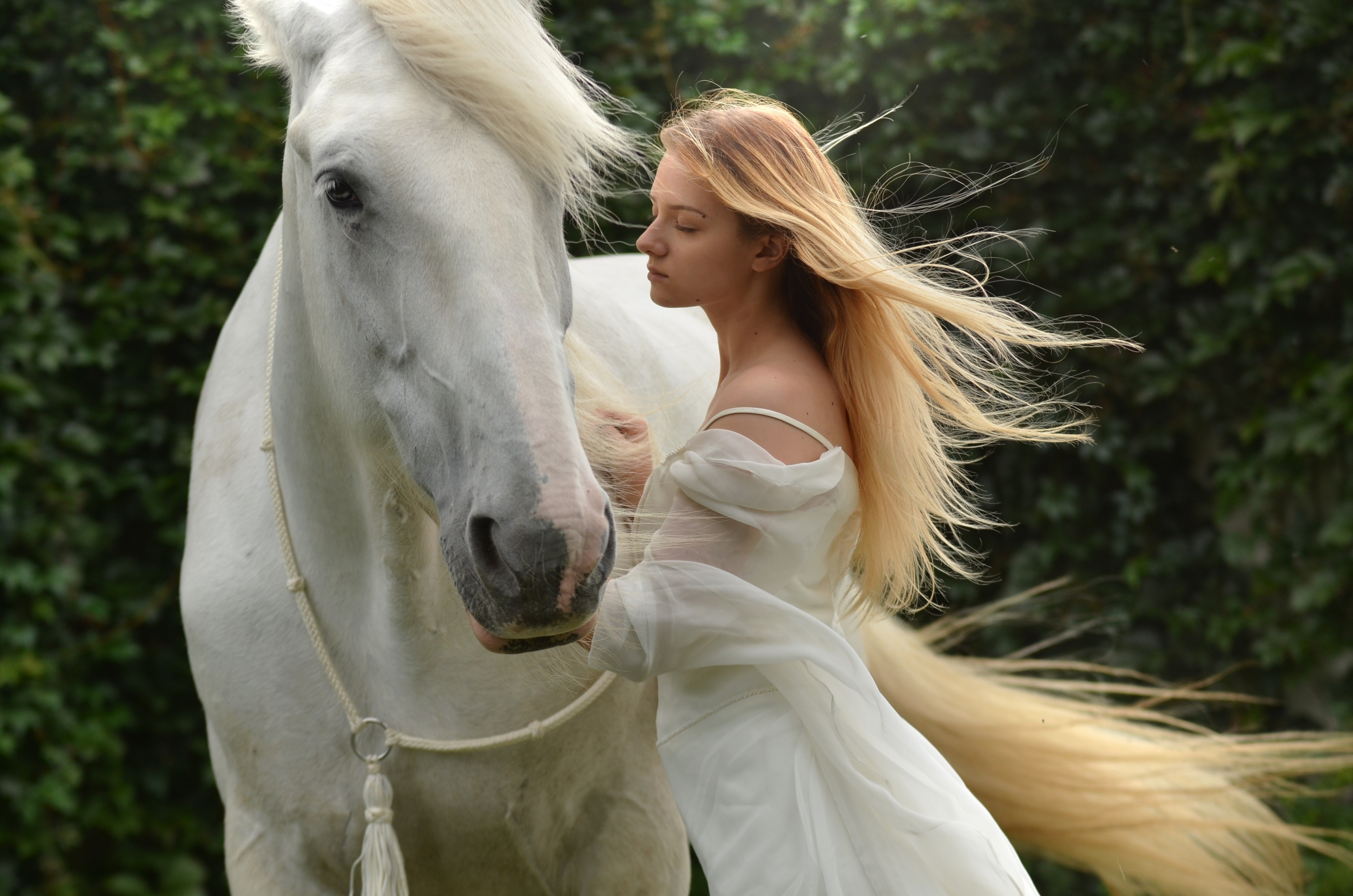
Ivory
Edition 01 · Foil
Meadow
Edition 02 · Foil
Kindred
Edition 03 · Foil
ASCII from your images · Develops on hover · No WebGL
How to use

Set it up in a minute.

01
Remix it in
Open the remix link from your purchase receipt and hit Remix — HoloFoil lands in your project's Assets.
02
Drop it on a section
Place it where you want the row of cards. It lays out centered and wraps on its own.
03
Load your images
Select it, open the properties panel, and add cards under Cards — each takes an image, title and caption.
04
Tune the look
ASCII colour + density + shimmer; foil intensity; tilt; card width, ratio and gap.
05
Ship it
On desktop, hover develops ASCII → photo with tilt + foil. Touch shows the photos; reduced-motion stills the ASCII. Publish.
The ASCII reads each image's pixels on a canvas — use CORS-friendly images (Framer uploads + Unsplash work) for a true ASCII of your photo.
Lower the Density for chunky blocks, raise it for fine detail.
Keep Foil low — it's a catch-light, not a coat of paint.
Made by Carmy

Create a free website with Framer, the website builder loved by startups, designers and agencies.